With the rapid expansion of smart technology in everyday life, understanding the essentials of IoT device design has never been more crucial. Whether you’re a curious beginner or an aspiring creator, mastering these fundamentals opens the door to building innovative connected products that truly make a difference.
From smart homes to wearable gadgets, the possibilities are endless—and learning the core principles will set you up for success in this exciting field.
Let’s dive into the basics and discover how you can start crafting your own intelligent devices today. This guide is your first step toward turning ideas into reality in the world of IoT.
Choosing the Right Hardware Components
Microcontrollers vs. Microprocessors: Picking the Brain of Your Device
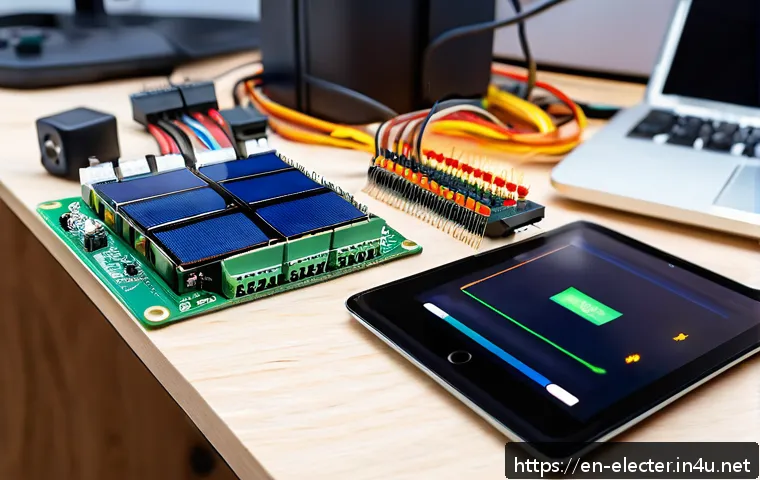
When starting with IoT design, one of the first decisions you’ll face is selecting the core processing unit. Microcontrollers (MCUs) like the ESP32 or Arduino boards are popular because they integrate CPU, memory, and peripherals on a single chip, making them power-efficient and affordable.
Microprocessors, on the other hand, such as the Raspberry Pi, provide more computational power and run full operating systems but consume more energy and often cost more.
I’ve found that for simple sensors or wearable devices, MCUs are perfect due to their low power draw and simplicity. However, if your project demands multimedia processing or complex networking, a microprocessor might be worth the trade-off.
Essential Sensors and Actuators for Everyday Applications
Sensors are the eyes and ears of your IoT device, gathering data from the environment. Common options include temperature sensors, motion detectors, light sensors, and humidity sensors.
Actuators, conversely, allow your device to interact with the world, such as turning on a motor or adjusting a thermostat. When designing, consider not only the sensor’s accuracy but also its power consumption and communication protocol.
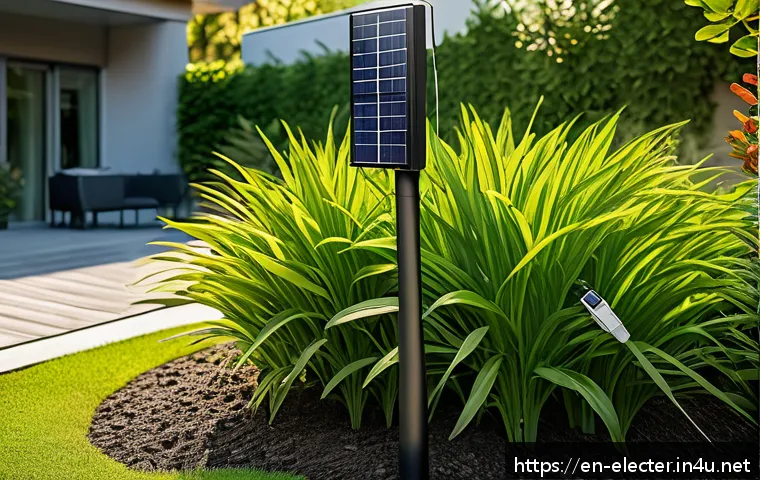
For example, I once worked on a smart garden project where low-power soil moisture sensors proved crucial for extending battery life without sacrificing reliability.
Power Supply Considerations and Battery Life Management
Power is often the Achilles’ heel of IoT devices, especially those intended to be mobile or remote. Deciding between battery types (Li-ion, alkaline, or rechargeable) and estimating device runtime is essential.
Efficient power management techniques—like sleep modes and duty cycling—can drastically extend battery life. From my experience, balancing performance with power usage often means tweaking sensor sampling rates and communication intervals.
It’s a bit of an art to keep your device alive for months or even years on a single charge.
Mastering Wireless Communication Protocols
Wi-Fi, Bluetooth, or Zigbee: Which Fits Your Needs?
Choosing the right wireless protocol is pivotal because it impacts range, power consumption, and network complexity. Wi-Fi offers high bandwidth and easy internet connectivity but drains battery faster.
Bluetooth Low Energy (BLE) is ideal for short-range, low-power applications like wearables, while Zigbee excels in mesh networks for smart homes. When I designed a smart lighting system, Zigbee’s mesh capabilities allowed devices to communicate seamlessly even if one node went offline, increasing reliability.
Understanding Network Topologies and Security Risks
The way your devices connect—whether in star, mesh, or point-to-point topologies—affects scalability and fault tolerance. Mesh networks are resilient but require more complex routing, while star networks are simpler but less robust.
Security is another crucial aspect; IoT devices are frequent targets for hackers, so implementing encryption, authentication, and regular firmware updates is non-negotiable.
I’ve personally seen unsecured devices become entry points for wider network attacks, underscoring the importance of building security from the ground up.
Optimizing Data Transmission for Efficiency
Efficient data handling reduces power consumption and network congestion. Techniques like data aggregation, edge computing, and event-driven communication help minimize unnecessary transmissions.
For example, instead of streaming continuous sensor data, you might program your device to send updates only when thresholds are crossed. In a recent project, this approach cut data usage in half while maintaining responsiveness, proving how smart communication strategies are game-changers.
Designing User Interfaces for Seamless Interaction
Choosing Between Mobile Apps, Web Dashboards, and Voice Control
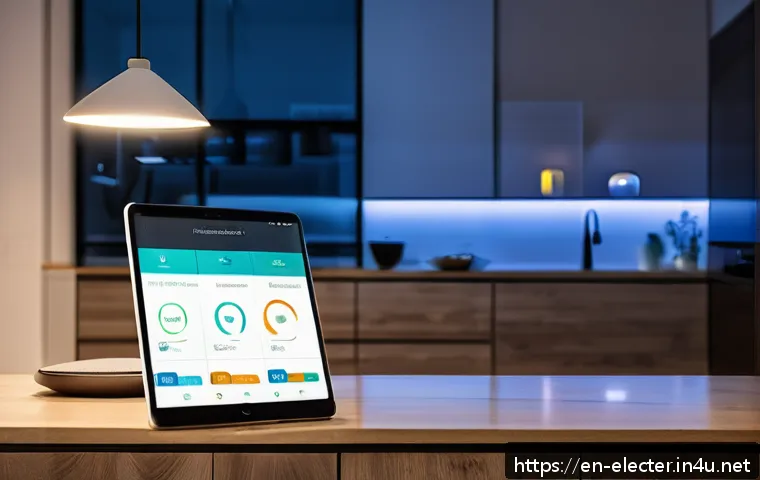
The user interface is the bridge between your device and its users, so it needs to be intuitive and responsive. Mobile apps offer personalized control and notifications, web dashboards provide detailed analytics accessible anywhere, and voice control adds hands-free convenience.
I’ve noticed users often prefer a combination—like controlling a smart thermostat via an app but also adjusting it with voice commands through assistants like Alexa or Google Home.
Understanding your target audience’s preferences will guide your UI design choices.
Implementing Responsive and Accessible Design Principles
Accessibility should never be an afterthought. Designing interfaces that accommodate different devices, screen sizes, and user abilities makes your product inclusive and user-friendly.
This means considering font sizes, color contrasts, and simple navigation flows. In a wearable health monitor project, implementing haptic feedback alongside visual cues helped users with visual impairments engage effectively, highlighting the value of thoughtful design.
Feedback Mechanisms and Error Handling
Clear feedback helps users understand device status and troubleshoot problems easily. Whether it’s LED indicators, push notifications, or sound alerts, providing real-time responses builds trust and reduces frustration.
Also, designing graceful error handling—like retrying failed connections or guiding users through setup—enhances the overall experience. I recall a smart door lock project where detailed error messages saved countless support calls and improved customer satisfaction.
Software Development and Firmware Essentials
Choosing the Right Development Environment and Languages
Depending on your hardware, programming languages can range from C/C++ for low-level firmware to Python or JavaScript for higher-level applications. IDEs like Arduino IDE, PlatformIO, or VS Code with extensions provide versatile options.
When I started, I found Arduino IDE’s simplicity great for beginners, but moving to PlatformIO allowed better project organization and integration with version control, which is essential as projects grow.
Implementing Over-the-Air (OTA) Updates
OTA updates enable you to fix bugs and add features remotely, a vital feature for devices deployed in the field. Setting up a robust OTA system requires secure channels and rollback mechanisms to prevent bricking devices.
In one of my past projects, enabling OTA updates saved tons of time and cost by avoiding manual firmware flashing, and it also improved user trust by delivering timely improvements.
Debugging and Testing Strategies for Reliability
Thorough testing ensures your device performs as expected in various conditions. Unit testing firmware modules, integration testing hardware-software interactions, and field testing under real-world scenarios are all important steps.
I’ve found that early and frequent testing helps catch issues before they become costly problems. Tools like logic analyzers and serial monitors are indispensable for debugging embedded systems.
Security and Privacy Best Practices
Data Encryption and Secure Communication Channels
Encrypting data both at rest and in transit prevents unauthorized access. Protocols like TLS for internet communication and AES for local data storage are industry standards.
I’ve seen projects where skipping encryption led to data breaches, so implementing these measures from the start is critical. Remember, security isn’t a one-time task but a continuous process.
Authentication and Access Control
Ensuring only authorized users and devices can interact with your IoT system protects against misuse. Methods include password protection, multi-factor authentication, and device whitelisting.
During a smart home project, I implemented token-based authentication that provided a smooth yet secure user experience, balancing convenience and protection.
Maintaining Privacy Compliance and Ethical Data Use
With regulations like GDPR and CCPA, respecting user privacy is both a legal and ethical obligation. Designing data collection with minimalism and transparency helps build user trust.
I always advise documenting what data you collect, why, and how it will be used, then providing users with control over their information.
Power Management and Energy Efficiency Techniques
Low-Power Modes and Sleep States
Most IoT devices spend a lot of time idle, so leveraging low-power sleep modes can extend battery life dramatically. Different hardware offers various sleep states with trade-offs in wake-up time and functionality.
In my experience, aggressively using deep sleep modes while scheduling sensor readings balances responsiveness and energy savings effectively.
Energy Harvesting Options
Harvesting ambient energy—like solar, thermal, or kinetic—can supplement or even replace batteries in certain scenarios. Although implementing energy harvesting can add complexity, it’s a game-changer for long-term deployments.
I once helped design a sensor node powered by a small solar panel, which allowed continuous operation in an outdoor environment without battery replacement.
Optimizing Firmware for Power Efficiency
Beyond hardware, how your code manages peripherals, sensor polling, and communication impacts power consumption. Writing efficient loops, minimizing active radio time, and batching data transmissions are techniques I’ve applied to squeeze the most out of limited power budgets.
It’s often surprising how much difference software optimization can make.
Essential IoT Device Specifications at a Glance
| Specification | Typical Range | Impact on Design | Example Components |
|---|---|---|---|
| Processor | 8-bit to 64-bit | Determines computing power and energy use | ESP32, Raspberry Pi Zero |
| Memory | From a few KB to several GB | Affects data handling and firmware complexity | Flash 512KB, RAM 320KB (ESP32) |
| Wireless Protocol | Short-range to wide-area | Affects power consumption and connectivity | Wi-Fi, BLE, Zigbee, LoRa |
| Power Source | Batteries, USB, Energy Harvesting | Impacts device lifetime and portability | Li-ion battery, solar panel |
| Sensors | Varies by type | Defines data input capabilities | Temperature, motion, humidity sensors |
In Conclusion
Choosing the right hardware and software components is key to building a successful IoT device. Balancing power efficiency, connectivity, and user experience ensures your project meets real-world demands. Drawing from hands-on experience, thoughtful design and security measures pave the way for reliable, scalable solutions. Embracing these principles will help you create devices that truly stand out in the growing IoT landscape.
Helpful Tips to Remember
1. Always match your processor choice to the complexity of your project to optimize performance and power use.
2. Select sensors and actuators not just for accuracy but for energy efficiency and communication compatibility.
3. Prioritize security from the start by implementing encryption, authentication, and regular updates.
4. Optimize wireless communication by using protocols and topologies suited to your device’s range and power needs.
5. Design user interfaces that are accessible, responsive, and offer clear feedback to enhance user satisfaction.
Key Takeaways
Successful IoT development hinges on integrating appropriate hardware with efficient software and secure communication. Power management is critical for device longevity, while thoughtful UI design improves user engagement. Security and privacy must be embedded throughout the development cycle to protect data and maintain trust. Continuous testing and OTA updates ensure reliability and adaptability in evolving environments.
Frequently Asked Questions (FAQ) 📖
Q: uestions about IoT Device DesignQ1: What are the essential components I need to understand when designing an IoT device?
A: At the core, you need to grasp a few key elements: sensors to collect data, microcontrollers or processors to interpret it, connectivity modules like Wi-Fi or Bluetooth to communicate, and power management to ensure your device runs efficiently.
I found that focusing on how these parts interact helps you build a solid foundation before diving into complex features. Also, considering security from the start is crucial to protect user data and maintain trust.
Q: How can a beginner start creating their own smart device without prior experience?
A: Starting small is the best approach. I recommend using beginner-friendly platforms like Arduino or Raspberry Pi, which offer tons of tutorials and community support.
Experimenting with simple projects, such as a temperature sensor or a smart light switch, gives hands-on experience with hardware and coding basics. This gradual learning curve builds confidence and helps you understand how sensors, connectivity, and software come together in an IoT system.
Q: What are common challenges faced in IoT device design, and how can I overcome them?
A: One of the biggest hurdles is managing power consumption—especially for battery-powered devices. I learned that selecting low-power components and optimizing software to minimize active time can dramatically extend battery life.
Another challenge is ensuring reliable connectivity; testing your device in real-world environments helps identify issues early. Lastly, security can’t be overlooked—implementing encryption and regular firmware updates protects your device and users from vulnerabilities.